Local SEO
When someone nearby searches for the job you do, Google shows a map with three businesses, and those three get first shot at the call. This hub covers how to become one of them, and how to stay there.
The hub is for the people who take those calls: owners of plumbing, roofing, HVAC, restoration, and cleaning companies, and whoever handles their marketing.
Local SEO is the work that decides where you land in those map results and in the listings under them. Most of it happens on your Google Business Profile and your own website, with help from other sites that mention you.
Ads work on a meter. You pay Google for each click or lead, and the calls stop when the budget does. Google says there is no way to pay for a better local ranking, so a ranking in the map results has to be earned. It takes longer, and it doesn't switch off when you stop paying.
Start here
Five steps, in the order we would tackle them. Each one links to our guides as they're published.
-
Get your Google Business Profile right
Category, services, service area, hours and photos: the profile decides whether you can rank in the map pack at all.
Google asks for as few categories as possible, each one finishing the sentence "This business IS a…". Make your core trade the primary category. Individual jobs, such as water heater installs, go in the services list with a short description of each.
-
Earn reviews every week
A steady flow of recent reviews moves rankings and turns a listing into a call.
Send every customer a review link once the job is finished. Google's review policy bans asking only the customers you expect to be happy, pressing anyone to write one on the spot, and paying or discounting in return. Reply to each review, since Google says helpful replies help a business stand out.
-
Build a page for each service and town
One page per job you want, in the towns where you have work to show, written for the person searching.
Services come first, each on its own page. A town page earns its place once you have jobs there to describe: what the houses in that area need, how soon a crew can arrive. Google's spam policy lists pages aimed at specific cities that funnel visitors to one page as doorway abuse.
-
Get mentioned locally
Directories, suppliers, local news and associations: the citations and links that count for a local business.
The links worth having come from people who already know your business: the supply house you buy from, your trade association, the local paper, a Little League team you sponsor. Keep your business name and address identical on every directory that lists you.
Guide in production
-
Track every call and form
Know which search sent each lead, so you can see what the work is worth in booked jobs.
Call tracking you control should record which calls came from your Google profile, and each form on your site should record the page it was sent from and where the visitor came from: your Google profile, ordinary search results, or ads. Once a month, match those leads to booked jobs and note where the paying ones started.
Key topics
Everything we publish on each part of local search, newest first.
-
Google Business Profile
-
Citations and local links
Nothing published yet
-
Calls and lead tracking
Latest in local SEO
All Local SEO stories- Myth or Fact
Exact-match domains don't help you rank anymore
Google says keywords in a domain alone have hardly any ranking effect, yet a clear local name still tells buyers what you do. When a keyword domain helps a service business.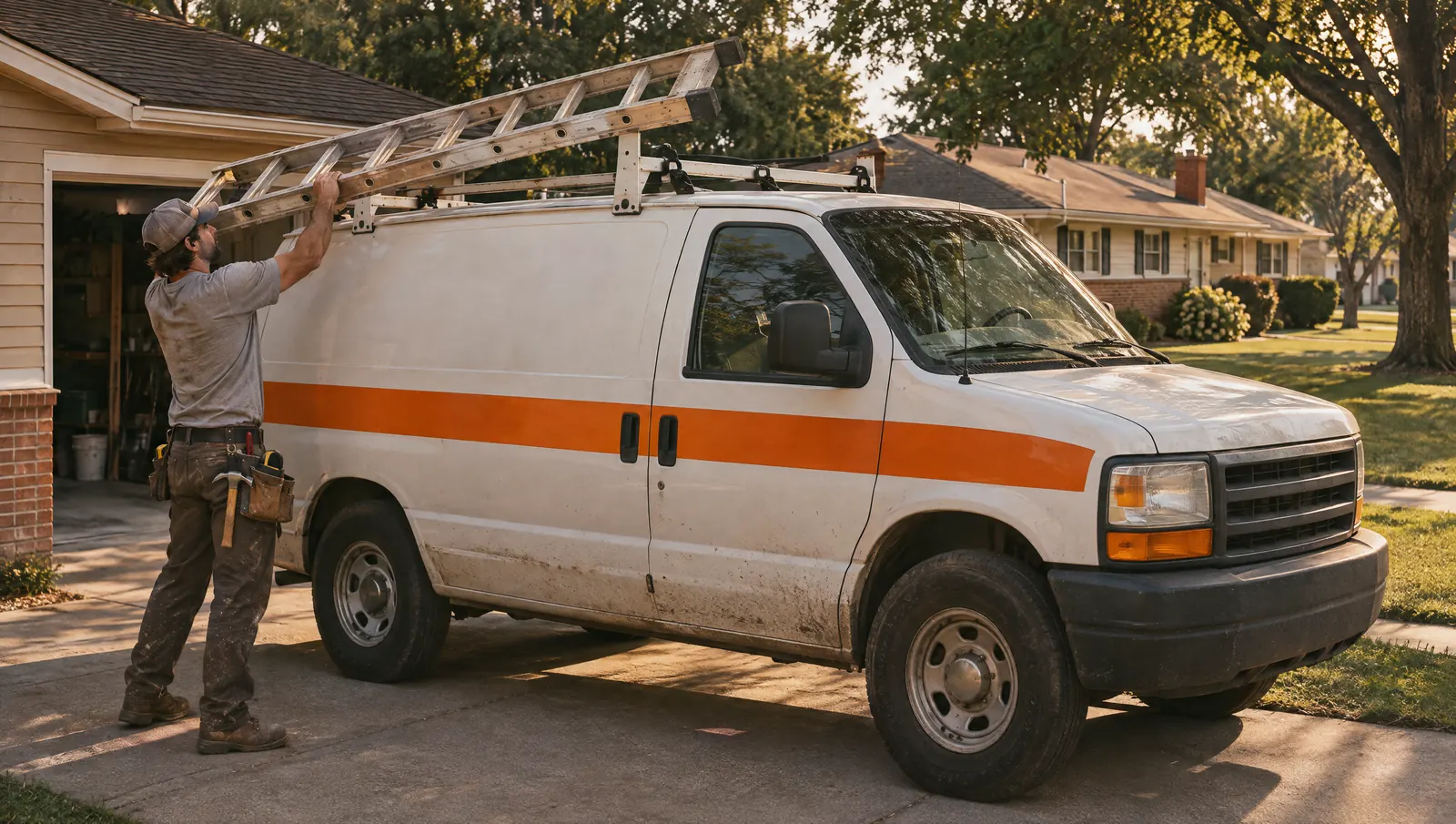 Verdict It depends
- Playbook
How to get your business recommended by Google's Ask Maps and ChatGPT
A step-by-step playbook for service businesses that want to show up when homeowners ask Google's Ask Maps or ChatGPT which local company to hire.
How the map pack picks its three
What does Google look at?
Google's help page on local ranking explains three factors: relevance, distance, and prominence. Relevance is how well your profile matches the search, and Google's advice for it is complete, detailed business information. Distance is how far you are from the person searching. If they haven't shared their location, Google uses what it knows about where they are. Prominence is how well known the business is, judged partly by how many websites link to you and how many reviews you have.
Google doesn't publish how it weighs the three. It does say that businesses with complete and accurate information are more likely to show up.
Which one counts most?
Outside research doesn't agree. A Search Atlas study of 3,269 food, health, law, and beauty businesses, none of them trades, reported by Search Engine Journal in July 2026, points to distance. In the study's model, proximity accounted for about 55% of rank decisions in positions 1 to 21. Inside the top ten it fell to 36%, while review count rose from 19% to 26% and the words customers used in reviews reached 22%. The study measures correlation, and its authors say their grid method may overstate distance.
Whitespark's 2026 Local Search Ranking Factors survey collects the opinions of local SEO practitioners, so it is expert judgment, not Google data. It ranks the primary category first, proximity second, and keywords in the business name third. Being open at the time of the search comes fifth, and a BrightLocal study of 50 businesses found rankings tended to drop while a listing showed as closed.
Why do I show up on one side of town and not the other?
Distance is measured from each searcher, so the same search typed on two different streets can return two different sets of three businesses. A check from your office tells you how you rank at your office. To see your whole area, check from several points across it, which is what grid-based rank trackers do.
Should I put keywords in my business name?
Google's guidelines say the profile name should reflect the name you use on your storefront, website, and stationery, and they don't allow extra information in it. Whitespark's research links keyword names to more top-three map rankings. It also warns that competitors or the public can report a stuffed name, and Google can then strip the words out. If you want the keyword, rebrand legally or register a DBA, then put that name on your trucks and signs.
Service-area businesses
I work from home. Should my address show?
No. Google's guidelines for representing your business say a service-area business should hide its address, and the example they give is a plumber who runs the business from home. Show the address only if customers come to you there. Google calls that a hybrid business, which can show a storefront address and a service area together, as long as the location is staffed and open to customers during the hours you list.
How should I set my service area?
List cities, ZIP codes, or other areas, up to 20 of them. Google won't take a radius around your base anymore. Keep the whole area within about two hours' drive of where the business is based, although Google allows larger areas for some businesses.
Google's service area help page says the setting helps people find your profile. It doesn't say the list changes where you rank, so treat it as information for customers and leave off towns you rarely work in.
Can I open extra profiles to cover more towns?
A business without a storefront gets one service-area profile. Google allows one profile per location when each location has its own service area and its own staff. A P.O. box, a remote mailbox, or a virtual office you don't work from doesn't qualify. A co-working office qualifies only with clear signage, customers received there, and your own staff in during business hours.
Towns farther out are a job for your website, which can rank in the ordinary results under the map (step 3 above).
Businesses with more than one location
Does each branch get its own profile?
Each branch gets one. Google's guidelines say not to create more than one profile for any location, in one account or several. Give each branch a phone number that rings at that branch, a local number rather than a central call center line where you can, and link its profile to a page that represents that location. For most businesses that is a branch page on their own site.
Do the branches have to share a name?
Google requires every location in the same country to use the same name, with exceptions for distinct sub-brands and for a location whose real-world signs and stationery use a different name. Locations that provide the same service also need the same category. One of Google's examples of a name it rejects is "The Home Depot at Springfield," so keep the town out of the name and let the address or service area carry it.
We run two trades from one address. Is that two profiles?
A business offering several services from one place gets one profile. Make your main trade the primary category, add a category for the second trade, and list the individual jobs as services. Google gives a separate profile to a public-facing department that operates as a distinct entity, typically with its own customer entrance, its own name, and a different category from the main business. A second service line run by the same crew from the same office doesn't meet that test.
Can we verify all the branches at once?
With 10 or more locations of the same business, Google offers bulk verification. Service-area businesses can't use it, so a company whose crews all work from hidden addresses verifies each profile on its own.
Sources
- Tips to improve your local ranking on Google, Google Business Profile Help
- Guidelines for representing your business on Google, Google Business Profile Help
- Manage your service areas for service-area and hybrid businesses, Google Business Profile Help
- Verify Business Profiles in bulk, Google Business Profile Help
- Spam policies for Google web search, Google Search Central
- Prohibited and restricted content, Maps User Generated Content Policy Help
- The new Google Business Profile playbook for AI local search, Search Engine Journal, July 21, 2026
- Local Search Ranking Factors 2026, Whitespark
- How keywords in business names currently impact Google local pack rank and AI search, Whitespark, September 8, 2026